Setup Your Jellyfish –
Linear Integration
 Connect your Linear workspace to Jellyfish to automatically sync issue, project, and comment events. This integration uses webhooks to keep Jellyfish updated in real time as your teams create, update, and complete work in Linear.
How to setup the Linear integration
Prerequisites
Jellyfish access: Admin user role
Linear access: Admin role
In Jellyfish
- Navigate to Settings → System Settings → System Setup → Integrations.
- Click the Instructions button on the Linear Integration card.
- In the Configure a Webhook in Linear dialog, reveal and copy the webhook URL that Linear will send events to. Keep this tab open; you’ll return to it shortly.
In Linear
- In a new tab, log in to Linear and navigate to Settings → Administration → API.
- Under Webhooks, click the + button to create a new webhook.
- In the Create Webhook dialog: Enter Jellyfish Webhooks in the Label field.
- Paste the webhook URL you copied from Jellyfish into the URL field.
- Select all Data change events. (Jellyfish automatically ignores any events it doesn’t require.)
- Copy the generated Signing Secret and store it securely.
- Click Create Webhook.
Back in Jellyfish
- In the Configure a Webhook in Linear dialog, paste the Signing Secret generated by Linear.
- Click Save Secret.
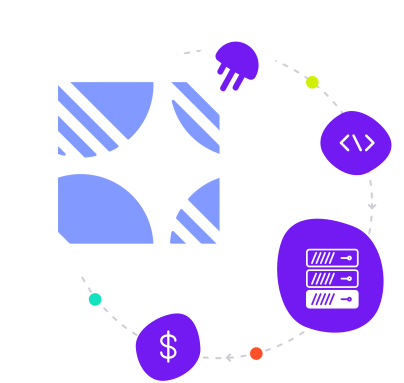
What the Linear data powers
Jellyfish uses the data collected from Linear to: Calculate engineering metrics like lead time and cycle time Track the status of issues and projects Power investment categories, DevFinOps, delivery, and other parts of the platform
Ready to drive engineering impact?
Schedule a demo or take an interactive tour. Discover how Jellyfish can enable your teams to work smarter, feel empowered, and deliver better outcomes for the business.